Most image SEO guides will tell you three things: rename your files descriptively, write alt text, compress your images. That advice isn’t wrong. It’s just the part that’s obvious if you’ve thought about it for five minutes — and stopping there is why most sites rank for their written content but get almost no image search traffic despite having hundreds of images.
The harder problem is that even when people know what to do, it doesn’t get done consistently. I built pixelseo.ai because I kept running into this in my own client work. It wasn’t ignorance. It was that the correct image SEO workflow, done manually at any real volume, is tedious enough to be the first thing that slips when you’re busy. By the time you’ve gone through generation, renaming, format conversion, alt text, and schema markup for 30 images, you’ve spent hours on work that should have taken minutes.
Here’s what actually matters, in order of impact.
The short version
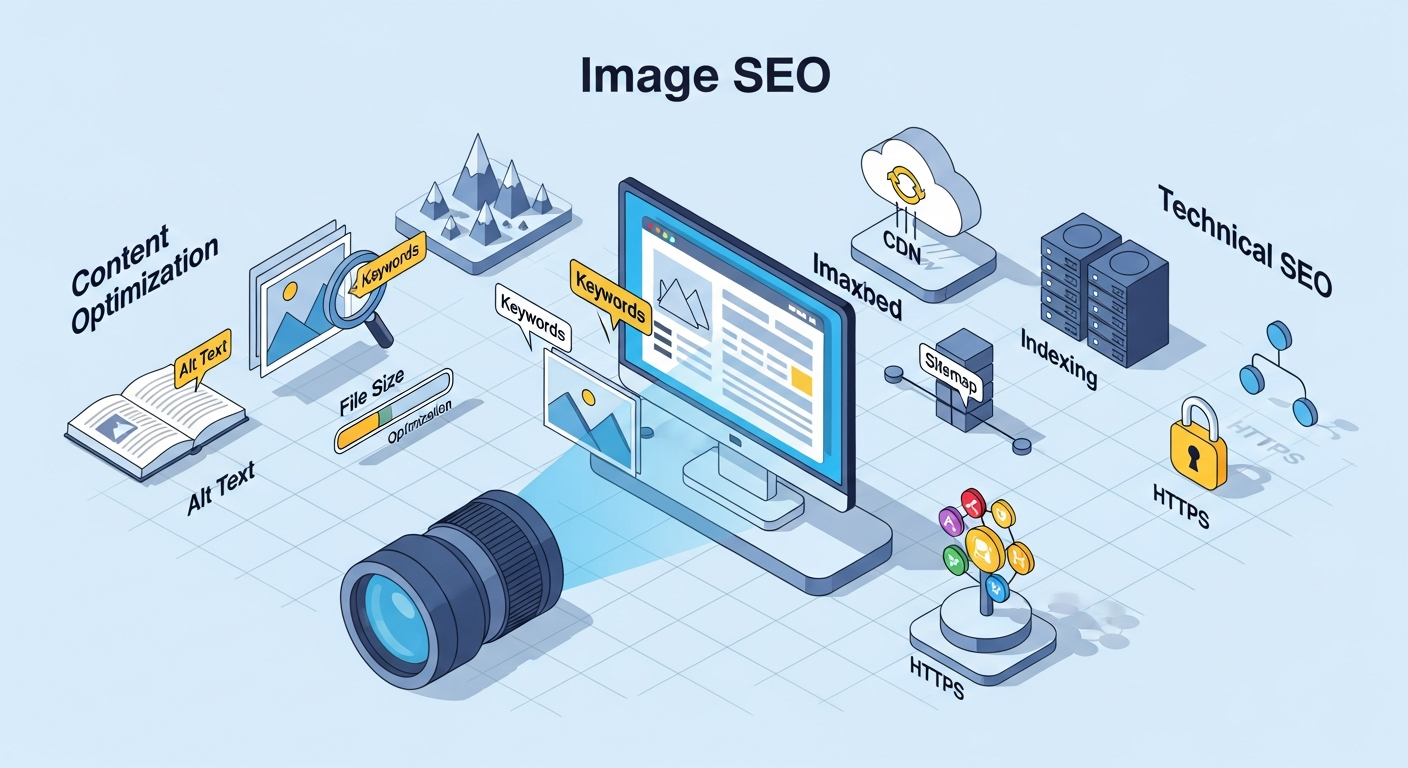
Image SEO comes down to five things: a descriptive file name, accurate alt text, ImageObject schema, a modern format, and not lazy-loading your hero image. In order of impact:
- File name —
[subject]-[descriptor]-[context].webp, hyphens not underscores. A weak signal for web search, a real one for Google Images. - Alt text — describe what someone would miss if the image didn’t load. Under 125 characters. Not a keyword slot.
- ImageObject schema — the piece almost nobody implements, and what makes an image eligible for Discover and rich results. The
descriptionfield matters most. - Format — AVIF first, WebP fallback, JPEG/PNG only for legacy support.
- LCP — your above-the-fold image gets
loading="eager"andfetchpriority="high", neverlazy.
None of that is hard to understand. The reason it doesn’t get done is the per-image cost at volume — which is the real subject of this post.
Do image file names actually affect SEO?
Yes, but the weight depends on where you’re competing. Google’s John Mueller has called file names a “weak signal.” That’s accurate for standard web search — and consistently misread as “file names don’t matter,” which is wrong.
For standard web search rankings, file names carry minimal weight. For Google Images and image-forward results in Discover, they matter significantly more. Google Image Search drives real traffic in specific verticals: interior design, real estate, food, fashion, marketing resources, and any site where images are the primary deliverable. If your site operates in those categories, your file names are actively costing or earning you traffic right now.
The pattern that works: [primary-subject]-[descriptor]-[context].webp
ceramic-coating-paint-correction-college-station.webp— notIMG_4501.jpgmid-century-modern-living-room-natural-light.webp— notshutterstock_123456789.jpgseo-audit-crawl-budget-waterfall-chart.webp— notchart-export-final.png
Three things the file name must do:
- Describe what’s in the image accurately — Google uses this to cross-reference visual content against what it crawls
- Include the primary keyword if it genuinely reflects the image content (don’t force it)
- Use hyphens, not underscores — Google treats underscores as word joiners;
seo_auditreads as one token, not two
Skip: brand names on every file, date strings (2026-04-image.webp), generic descriptors (hero-image.webp), and anything over seven or eight words. Longer names don’t perform better and create URL-encoding noise.
The reason most sites don’t do this: when you’re pulling images from a generator or downloading from a stock library in bulk, renaming 30 files correctly takes 20 minutes you don’t have. That’s not a knowledge gap — it’s a workflow problem.
What makes alt text good for SEO?
Alt text has one purpose: describe the image for someone who can’t see it — a screen reader user or a crawler that can’t yet interpret visual content reliably.
It’s not for keyword density. It’s not for word count. It’s not to repeat your page title. When used for those things, it fails at accessibility and may actively work against you in rankings.
What good alt text looks like:
alt="Mid-century modern living room with walnut credenza and olive linen sofa, afternoon light from south-facing windows"— accurate, specific, describes what’s visiblealt="Google Search Console coverage report showing 847 indexed pages and 23 excluded, filtered by sitemap"— describes the screenshot content including visible data
What bad alt text looks like:
alt="SEO services SEO company best SEO Dallas"— keyword stuffing, a manual actions targetalt="image"— non-functionalalt="Our friendly team working hard for clients"— descriptive of a vibe, not of what’s in the image
Rules that hold up:
- Stay under 125 characters — that’s where most screen readers truncate
- Include the primary keyword only if it accurately describes what’s in the image
- Use
alt=""on decorative images — this signals to screen readers to skip it, which is correct behavior - Don’t start with “Image of” or “Photo of” — screen readers already announce the element type
The AI problem: a language model asked to write alt text from a prompt or filename will produce plausible-sounding descriptions that aren’t accurate. “A dynamic professional environment showcasing innovative collaboration” tells nobody what’s in the image. A model that looks at the actual image and describes what it sees produces alt text that works. The difference matters for both accessibility compliance and ranking signal quality.
What is ImageObject schema, and do you need it?
ImageObject is structured data that tells Google explicitly what an image is — its name, description, and dimensions — instead of leaving it to infer that from surrounding context. You need it on the images you actually want surfaced: featured images, product shots, portfolio pieces. You don’t need it on icons and UI chrome.
Most SEO guides mention ImageObject schema and move on in one paragraph. Very few sites actually implement it. This is one of the larger gaps in standard image SEO practice.
ImageObject schema is what enables images to appear in Google Discover cards, image carousels in rich results, and structured image panels in search. Without it, you’re relying entirely on Google’s ability to infer image metadata from surrounding context — which it does reasonably well, but not as well as explicit markup.
Minimum viable ImageObject:
{
  "@context": "https://schema.org",
  "@type": "ImageObject",
  "name": "Ceramic coating paint correction College Station TX",
  "description": "Single-stage ceramic coating applied after full paint correction on a 2023 F-150. Before-and-after showing scratch removal and gloss enhancement.",
  "url": "https://example.com/images/ceramic-coating-paint-correction-college-station.webp",
  "contentUrl": "https://example.com/images/ceramic-coating-paint-correction-college-station.webp",
  "width": 1200,
  "height": 800
}
When ImageObject appears on the same page as an Article or BlogPosting schema, Google associates the image with the article automatically. Blog posts with featured images that skip ImageObject markup are leaving Discover eligibility on the table.
The field that matters most and gets skipped most: description. The name gets added. The description — which is what Google uses to match the image against search queries — gets left out. Treat it like a meta description for the image: specific, accurate, and written for how someone would query for that image if they found it in search.
Do you need an image sitemap?
Only if your images aren’t easily discoverable from your HTML. Images sitting in normal img tags on crawlable pages get found without one. An image sitemap earns its keep when images load via JavaScript, live on a separate CDN domain, or sit on pages Google crawls infrequently — cases where you’re handing Google a discovery path it wouldn’t otherwise take. You can add image entries to your existing sitemap rather than maintaining a second file.
Which image format should you use — AVIF, WebP, or JPEG?
Serve AVIF first, fall back to WebP, and keep JPEG/PNG only for legacy support. AVIF runs roughly 50% smaller than JPEG at equivalent quality; WebP lands around 25–35% smaller. AVIF’s browser support is no longer the blocker it was a couple of years ago — the remaining tradeoff is encoding speed, which is why WebP is still a defensible default if you’re converting large batches yourself. For AI-generated images specifically, most generators return PNG regardless of what you request, which means format conversion is part of the pipeline, not optional.
Size targets in practice:
- Hero and featured images (above fold): under 150KB; 200KB absolute ceiling
- Body images in articles: under 100KB
- Thumbnails and card images: under 40KB
These are starting points. Run your actual pages through a Core Web Vitals report and adjust based on real LCP scores, not targets set from a different site’s baseline.
The LCP mistake that’s everywhere: lazy loading the hero image. Your above-the-fold featured image is almost certainly your LCP element. Setting loading="lazy" tells the browser to deprioritize it — which directly increases your Largest Contentful Paint time. The above-the-fold image gets loading="eager" and fetchpriority="high". Everything below the fold gets loading="lazy". This is not a subtle optimization; the difference in LCP scores on image-heavy pages is routinely 800ms–2s.
If you’re serving more than a few dozen images, use a CDN with on-the-fly transformation. Cloudflare Images and Imgix both handle format negotiation automatically — serving AVIF to browsers that support it, WebP as fallback, without you managing it at the file level. That’s the right answer at scale.
How do you do image SEO at scale?
You stop doing it one image at a time by hand and move the metadata generation into the pipeline. Here’s what the manual version actually costs at real volume:
A content-focused site publishing four posts per week with three to five images each is generating 12–20 images weekly. At five minutes per image to rename correctly, write accurate alt text, generate schema markup, convert to WebP, and compress — that’s 60–100 minutes every week before any of the actual writing happens. Assuming you’re fast, don’t make mistakes, and don’t lose track of which file you already renamed.
In practice: it doesn’t happen. PNG files get uploaded with download (3).png as the filename. Alt text gets the blog post title copy-pasted into it. Schema gets skipped entirely because it’s the most time-consuming piece with the least visible feedback. This isn’t ignorance — every SEO knows these things matter. It’s that the per-image cost of doing them correctly is high enough that they become the first casualty when publishing deadlines hit.
The fix isn’t willpower. It’s reducing the per-image cost to something that happens in the generation step rather than as a separate manual workflow.
That’s what pixelseo.ai does with the images you already have: upload a batch and every image comes back with an SEO file name, alt text, and ImageObject schema — written from the image itself and from the page it’s going to live on, so the metadata reflects what the image is doing there rather than just what it depicts. A room photo on a flooring page becomes red-oak-hardwood-flooring-living-room, not bright-living-room-couch. Every field is editable before you export.
If your images move through an automated pipeline rather than a browser, the same thing is available as a REST API and as a dedicated n8n community node — one node that returns the file name, alt text, and schema for every image, at one credit apiece, charged only for the ones that succeed.
Not every image needs a pipeline. But for any site managing images at volume — more than ten a week is where the manual workflow starts costing real time — the math stops working.
Image SEO is not complicated. The problem is never knowing what to do. The problem is building a workflow where it actually happens consistently, at scale, without it being someone’s full-time job.